From Spreadsheet Sprawl to Stage Success: Centralizing Your Theatre Production
Tired of scattered spreadsheets and outdated info? Learn how centralizing your theatre production management can save time, reduce stress, and boost collaboration.
· By CueCall Team
Topics: theatre management, production workflows, stage management, theatre directors, production planning, team collaboration, digital tools, cloud-based

Every theatre professional knows the feeling: the thrill of a new production announcement quickly followed by the daunting task of organizing countless details. From initial concept meetings to strike day, effective theatre production management is the bedrock upon which artistic visions are built. But for many, this essential process quickly devolves into a labyrinth of scattered spreadsheets, email chains, and whispered updates. You’ve got a prop list in a Google Sheet, a costume inventory in an Excel file, a rehearsal schedule on a whiteboard, and three different versions of the cast list floating around in various inboxes.
If this sounds like your reality, you're not alone. The digital age promised streamlined workflows, but for theatre, it often delivered a fragmented mess of disparate documents. The question then becomes: how do you move your company off the spreadsheet everyone has a different copy of and into a cohesive, collaborative space where everyone is literally, and figuratively, on the same page?
The Problem: The Perils of Production Chaos
Consider the typical theatre production. A director might have their scene breakdown, a stage manager maintains the rehearsal schedule and attendance, the costume designer tracks fittings, and the props master lists procurement needs. Each of these vital pieces of information often lives in its own silo, usually a spreadsheet created by an individual. While these individual efforts are well-intentioned, they inevitably lead to:
- Version Control Nightmares: Who has the most up-to-date schedule? Did the prop list get updated after that last tech rehearsal? The constant back-and-forth trying to confirm the latest information drains valuable time and energy.
- Communication Breakdown: When information is scattered, it’s easy for key updates to be missed. A prop change noted in one spreadsheet might not make it to the director’s blocking notes, or a costume adjustment might not reach the stage manager responsible for quick changes.
- Wasted Time and Resources: Duplicative efforts become common. Someone might re-enter cast details that already exist elsewhere, or spend hours searching for a specific piece of information that should be readily available. This isn't just frustrating; it impacts your budget and your production timeline.
- Increased Stress and Burnout: For stage managers and production coordinators, managing this information chaos can be a full-time job in itself, adding immense stress on top of their already demanding roles.
- Compromised Artistic Vision: Ultimately, when the logistical framework of a production is shaky, it pulls focus away from the creative work. Precious rehearsal time is spent clarifying details rather than refining performances, and design elements might suffer due to miscommunication or missed deadlines.
Think about Tech Week. It’s already a pressure cooker, but imagine trying to coordinate lighting cues, sound effects, and scene changes when each department is working from a slightly different set of notes, all trying to cross-reference with a script that has last-minute changes emailed to five different people. It’s a recipe for disaster.
Why a Centralized System Matters for Every Role
Moving away from fragmented spreadsheets isn't just about tidiness; it’s about empowering your entire production team to work more efficiently and creatively. A centralized system transforms how every role contributes and collaborates:
- For Directors: You can see your vision come to life with all elements—from blocking to inventory—linked directly to your scenes. No more digging through emails to find out if the correct prop was sourced for Act II, Scene 4.
- For Stage Managers: This is your command center. Real-time updates mean your cue sheets, rehearsal reports, and cast availability are always accurate, reducing frantic last-minute corrections.
- For Producers: Keep a clear overview of the entire production. Track progress, ensure resources are allocated effectively, and mitigate risks before they become show-stopping problems.
- For Designers (Costume, Set, Props, Lighting, Sound): Access to a single source of truth for scenes, characters, and inventory ensures everyone is working with the latest information, fostering artistic coherence and preventing costly missteps.
- For Cast and Crew: Clear assignments, up-to-date schedules, and easily accessible information mean less confusion and more time focused on their craft.
The core benefit is a shared understanding. Everyone knows where to find what they need, and when something changes, that change is reflected universally and immediately. It builds trust, reduces errors, and ultimately frees your team to focus on the magic of theatre, not the mundane management of it.
The Solution: Getting Started with a Centralized Production Platform
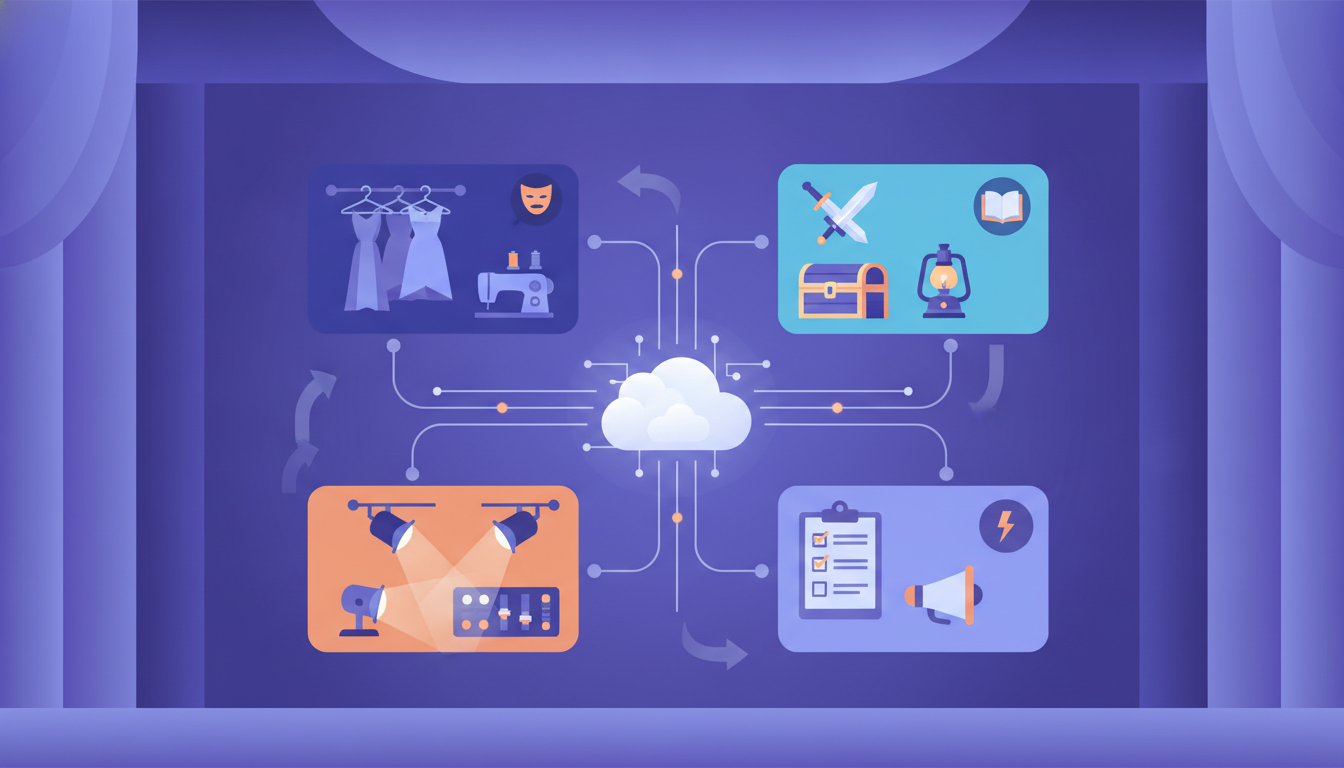
So, how do you make this transition? The key is to adopt a cloud-based production management platform that acts as your single source of truth from day one. Instead of relying on individual files, everyone accesses and contributes to a live, central database. This isn't about adding another tool to your arsenal; it's about replacing many fragmented tools with one integrated one.
Let’s look at how you might begin setting up your very first production on such a platform, designed to ease that transition from scattered files to a unified system.
Creating Your First Production: The Foundation
The first step is always the simplest: creating your production. On a platform like CueCall, this begins on your Dashboard. This personalized home view offers a comprehensive overview of all your productions with widgets tailored to your workflow, keeping you informed on schedules, assignments, tasks, and more.
To create a new show, you'd simply navigate to the 'Shows' section in the left-hand menu. The process is designed to be quick and intuitive:
- Go to Shows and click New Production (or the “Add New Show” card).
- Enter the Title, Start Date, End Date, and a brief Description.
- You can also specify your Role in this production and upload a Poster Image, though these are optional and can be added later.
This single action creates the dedicated space for your entire production. No more starting with a blank folder or an empty spreadsheet; you now have a digital home for your show.
Populating Your Show: The Overview Tab and Setup Checklist
Once your show is created, you’re immediately taken to its Overview tab. This is your show’s home page, designed to give you key information at a glance and guide you through the initial setup process.
For the first 45 days after creation, the Overview tab displays a short setup checklist, visible to anyone who can edit the show. This checklist gently nudges you towards getting your production running by covering essential initial steps:
- Add your first rehearsal (or a meeting or build day).
- Invite your production team.
- Add your scenes.
- Add your cast and crew.
- Upload your script.
Each step on this checklist has a dedicated button that opens the necessary form or dialog. For example, clicking to add your first rehearsal opens the 'Add Event' form. The scenes and rehearsal steps also offer AI routes, allowing you to generate content quickly (e.g., suggest scenes or read a schedule PDF, which is free). These steps tick themselves off as you complete the work, whether you do it manually or with AI assistance. This structured approach helps ensure no critical setup tasks are forgotten, providing a clear roadmap to get your production off the ground.

Finding Your Way Around: Intuitive Navigation
One of the biggest challenges with disparate documents is knowing where everything lives. A centralized platform solves this by offering consistent, intuitive navigation.
The menu on the left side of CueCall, for instance, maintains a consistent structure throughout the application. This means each destination is always in the same place you last found it, even when you have a show open. This predictability is crucial when you're moving quickly during a busy production period.
When you open a specific show, its unique menu (containing sections like Scenes, People, Inventory, and more) appears directly underneath the show’s name in the same spot. This allows you to dive deep into a production’s details without losing sight of the main navigation or having to click back multiple times to access your Dashboard or Library. To switch to another production, you simply click the current show’s name in the menu.
This thoughtful design ensures that you can effortlessly navigate between different aspects of your production, reducing the mental load of remembering where each piece of information is stored.
Inviting Your Team: Collaborative Access
No theatre production runs alone. Getting your team onboard is critical, and a centralized platform makes collaboration seamless and secure. Instead of sending out individual files or asking people to navigate shared drives, you invite them directly to the production with appropriate access levels.
From your show's Overview tab, you can use the Collaborators section to invite team members by email. The invitation arrives from your name (e.g., “Your Name (via CueCall)”), ensuring a personal touch. Each team member, whether a director, stage manager, designer, or cast member, receives appropriate access based on their assigned role. This means your costume designer can see and edit costume inventory but won’t accidentally delete a scene, while cast members can see their schedule and specific notes but not sensitive production budgets or contact details for the whole team.
This role-based access is a cornerstone of effective digital production management, ensuring that everyone has the information and permissions they need without exposing sensitive data or risking accidental changes. It’s a vast improvement over sharing general access to a folder of spreadsheets, where anyone could theoretically alter critical information.
Actionable Steps for Transitioning Your Production
Ready to move beyond the spreadsheet chaos? Here are some actionable steps:
- Start Small, Think Big: Don't try to migrate every single document at once. Begin by setting up your new production on a centralized platform. Focus on core data like your scene breakdown, cast list, and initial schedule.
- Appoint a Digital Champion: Designate someone on your team (often the stage manager or a production coordinator) to lead the transition. This person can become the expert and help onboard others.
- Communicate, Communicate, Communicate: Clearly explain to your team why you’re making this change and the benefits it will bring. Address concerns and provide training. Emphasize that it’s about making everyone’s lives easier.
- Migrate Key Data Incrementally: Use the platform’s tools to import existing data where possible. Many platforms offer smart import features for spreadsheets and documents. For example, CueCall's Smart Import takes a file you already have—a spreadsheet or PDF—and works out which column is which, helping you transfer cast lists or inventory quickly.
- Embrace Role-Based Access: Assign appropriate roles and permissions from the outset. This simplifies what each person sees and reduces information overload, empowering them to focus on their specific tasks.
- Phased Rollout: For ongoing productions, consider running a hybrid system for a short period, gradually shifting reliance from old methods to the new platform. For new productions, commit to using the platform from day one.
Focus on the Art, Not the Admin
In theatre, the administrative burden should never overshadow the artistic endeavor. The true value of a centralized production management system isn't just about efficiency; it's about liberating your team to focus on what they do best: creating captivating live performances.
By bringing all your production’s moving parts under one digital roof, you foster an environment of clarity, collaboration, and calm. No more frantic searches for the latest prop list or worrying about outdated schedules. Instead, your team can dedicate their mental energy to blocking, character development, design execution, and all the myriad details that make a show truly shine.
Platforms like CueCall are designed to streamline these processes, offering a dedicated space where your entire team can collaborate seamlessly. By centralizing your production data, you equip your team with the tools to reduce stress, improve communication, and ultimately, bring your artistic vision to the stage with greater precision and peace of mind. Consider how a unified approach could transform your next production and let your art take center stage.